CLASSIC HERO
Set the scene.
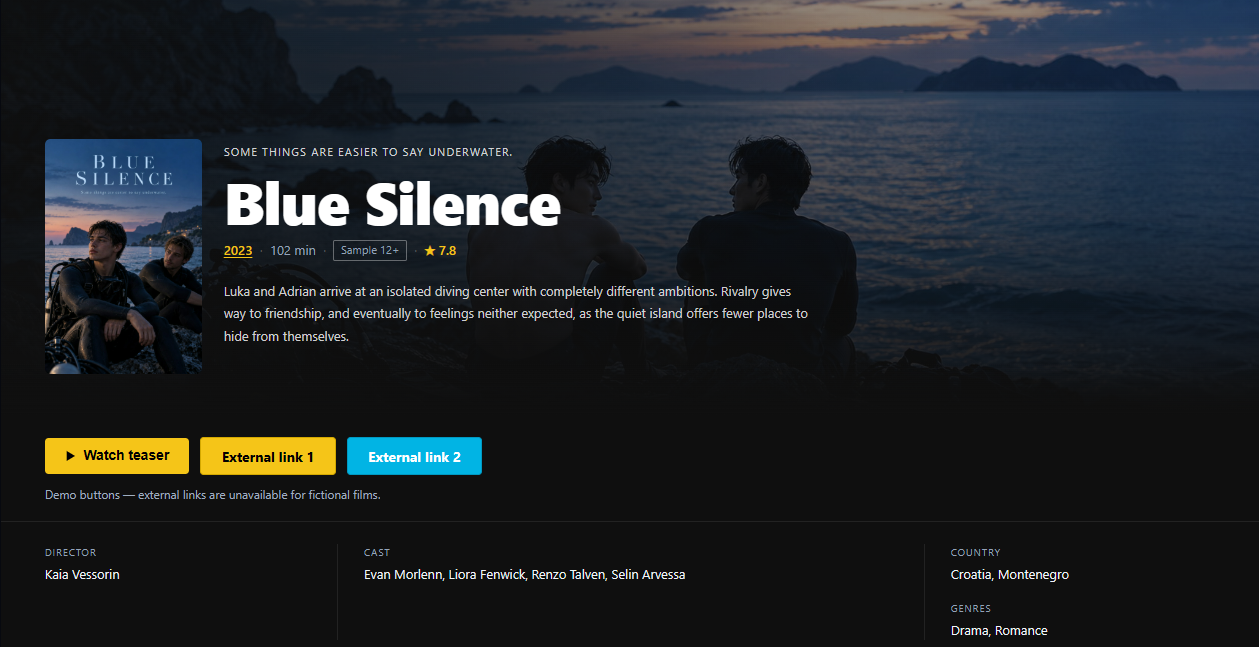
Blue SilenceFictional demo movie created for FramePress.
A wide backdrop leads into the poster, film details and your review.
Explore the layout guideTHE MK WORDPRESS SYSTEM
Build your site with a WordPress movie theme, fetch film details, draft reviews with AI and track videos that stop working. AI helps. You decide.
THE ECOSYSTEM
Start with the theme. Add the tools your publishing workflow needs. YT Sheet remains optional.

Movie layouts, archives, typography, ads and the front-end experience.
Explore theme ↗ 02 / CREATE & CONTROL
AI drafting, site settings, movie display, video checks and exports in one dashboard.
Explore studio ↗ 03 / ORGANIZE
Fetch available film data, then refine structured fields, artwork and trailers.
Explore MovieKit ↗ 04 / EXTEND · OPTIONAL
Video sources, profiles and grids when your site needs a larger library.
Explore YT Sheet ↗CHOOSE THE RIGHT FRAME
Lead with the atmosphere, bring the review into focus or put the video first. Choose a layout for each movie.
Blue SilenceFictional demo movie created for FramePress.
A wide backdrop leads into the poster, film details and your review.
Explore the layout guide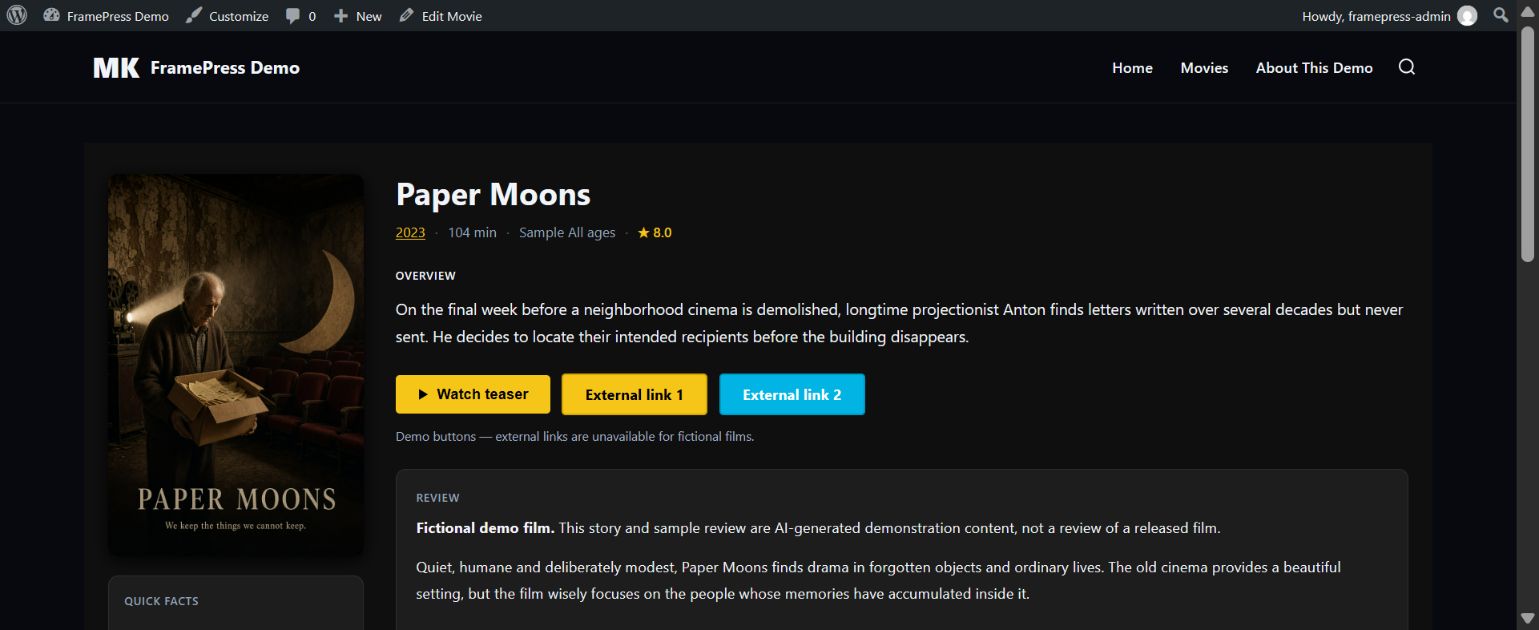
Paper MoonsFictional demo movie created for FramePress.
Keep the poster and film overview beside the words that matter.
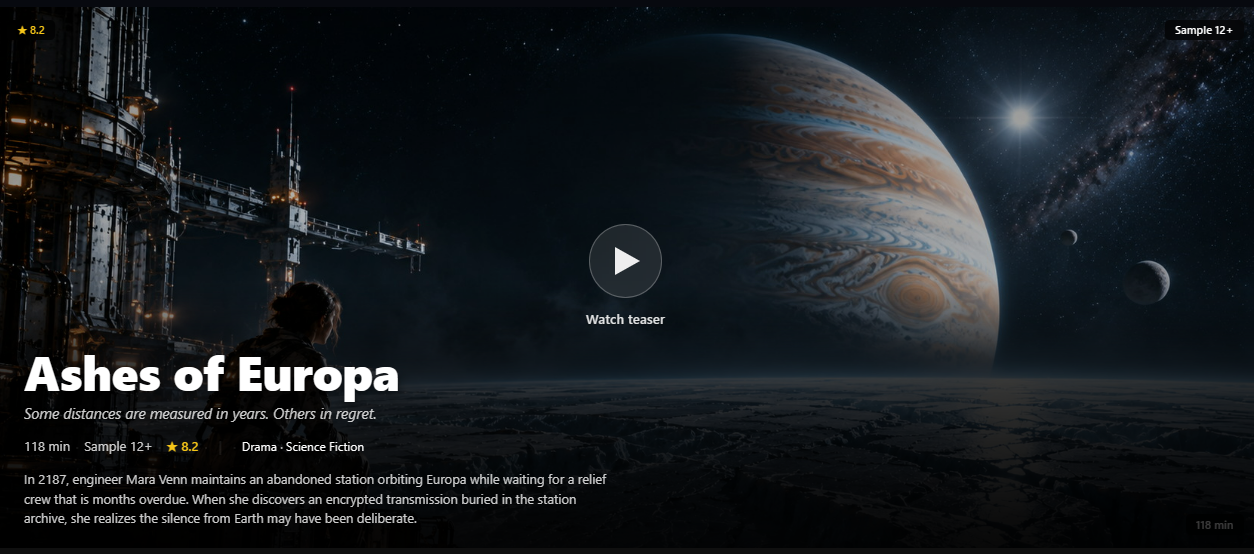
Explore the layout guideAshes of EuropaFictional demo movie created for FramePress.
Lead with playback, then bring the film details and review into view.
Explore the layout guideA PRACTICAL PATH
Each part has a clear job. Publish a movie, shape its presentation and keep visitors informed when a video changes.
Browse all documentation ↗MovieKit fills available credits, artwork, trailers and metadata for your review.
Draft a review or plot in MK Studio, edit the result and decide what to publish.
Choose a movie layout and connect videos from supported sources.
Check YouTube and Vimeo availability and review regional or age limits.
VIDEO AVAILABILITY
MADE FOR REAL LIBRARIES
MK Studio gives administrators a video-by-video overview. The theme can show a clear visitor message, hide Play for confirmed unavailable videos, and send age-restricted YouTube playback to a new tab.
How video checks work ↗DOCUMENTATION
Setup steps, component guides, video status rules and migration limits are all in one place.
Ask about our products.
AI support is currently unavailable. You can still contact our support team.